How to Batch Convert HEIC to JPG
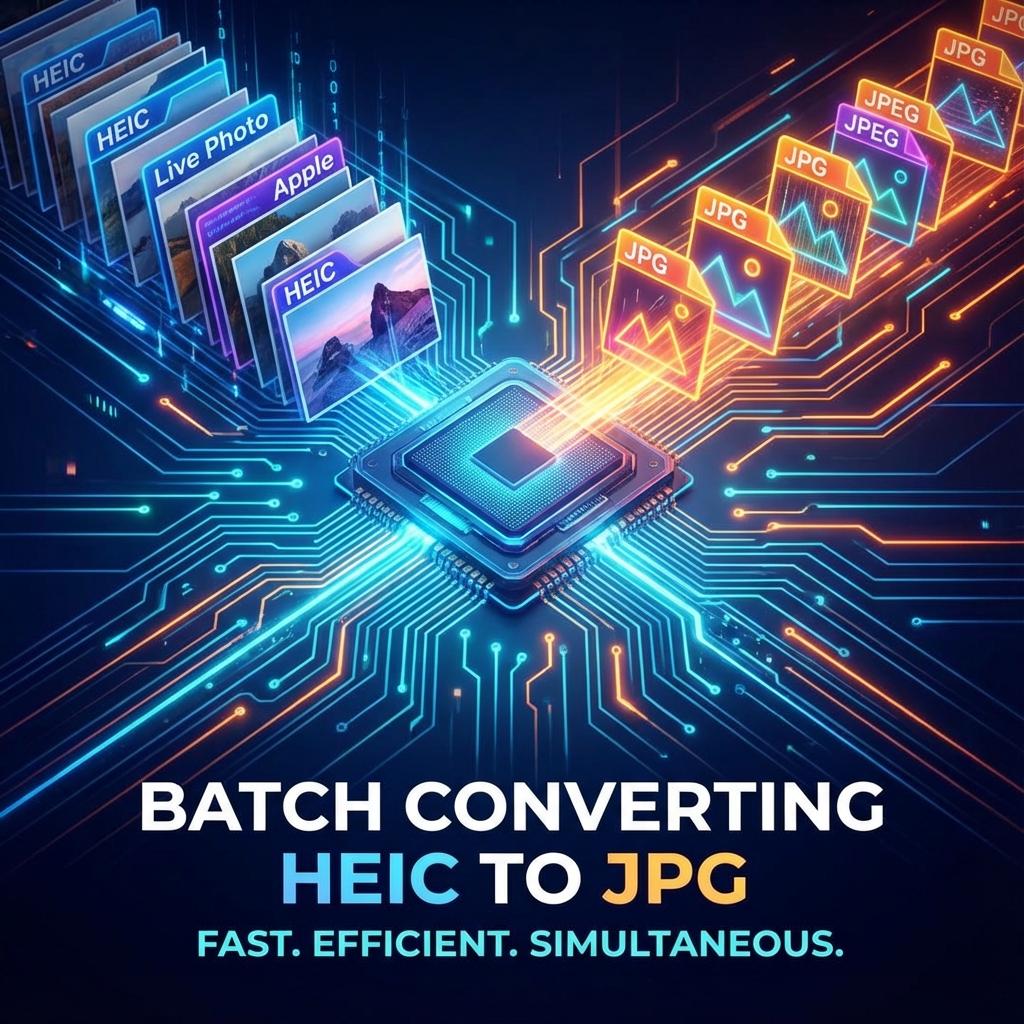
Converting one HEIC photo is easy, but what if you have hundreds of vacation photos? Converting them one by one would take hours. Fortunately, there are free ways to batch convert HEIC to JPG quickly.
Method 1: Use Our Free Online Tool
Our converter supports batch processing right in your browser. You can select multiple files at once, and they will be converted locally without uploading to a server.
- Click 'Select Photos' or drag and drop your HEIC files.
- Wait for the conversion to finish (it happens instantly).
- Click 'Download All' to get your JPGs.
Method 2: iMazing Converter (Desktop)
For very large collections (1000+ photos), a desktop app might be smoother. iMazing HEIC Converter is a free, lightweight tool for Windows and Mac.
- Download and install iMazing HEIC Converter.
- Drag a folder of HEIC images into the app.
- Choose JPEG as format and click Convert.
Method 3: Windows Photos App
If you have the HEIF Image Extensions installed, you can use the native Photos app.
- Open the folder with your HEIC photos.
- Select all photos, right-click, and choose 'Edit with Photos'.
- Use the 'Save as' option to save them as JPG (this can be slow for many files).
Summary
For most users, our online tool is the fastest way to convert a few dozen photos. For massive libraries, consider a desktop app like iMazing.
📍 Common Use Cases for Batch Conversion
✅ Pros of Our Tool
- ✨ Full Privacy (No Upload)
- ⚡ Faster Local Processing
- 🆓 100% Free with No Limits
❌ Cons of Other Sites
- ⚠️ Uploading Private IDs to Servers
- ⏳ Slow Download/Upload Speeds
- 💸 Hidden Subs or Invasive Ads
Frequent Questions about Batch Conversion
Can I convert HEIC to JPG without software?
Yes, our online tool works in the browser without installation. It's the fastest way for small to medium batches.
Is it safe to convert private photos online?
Our converter processes images locally in your browser, so they are never uploaded to a server. Your privacy is 100% protected.
How do I convert thousands of photos at once?
For thousands of photos (e.g., 5,000+), we recommend using a desktop tool like iMazing HEIC Converter (Free) to avoid browser memory limits.