Convert iPhone Photos to JPG
Many iPhone photos are saved as HEIC, a modern format that saves space — but it isn't always compatible with older devices or web uploads. This guide shows quick ways to convert iPhone photos to JPG and the simplest, privacy-friendly tool to do it.
Many iPhone photos use the HEIC format. If you need to share or open them on older devices, convert them to JPG quickly using this free web tool.
How it works
Drag a HEIC file here and the converter will create a JPG you can download.
For bulk or repeat conversions, consider changing your iPhone camera settings to save images as JPG (Most Compatible) in the Camera settings.
🚀 Ready to Convert Your iPhone Photos?
Use the safest tool on the web. No files are ever sent to a server. Instant, free, and local.
Convert iPhone Photos🛡️ 100% Client-Side Conversion
Your iPhone photos are private. Our tool ensures your images never leave your browser window.
- ✅ No Server Uploads
- ✅ Works on Mobile & Desktop
- ✅ Privacy First Engine
Alternative ways to convert
- Change your iPhone: Settings → Camera → Formats → Most Compatible
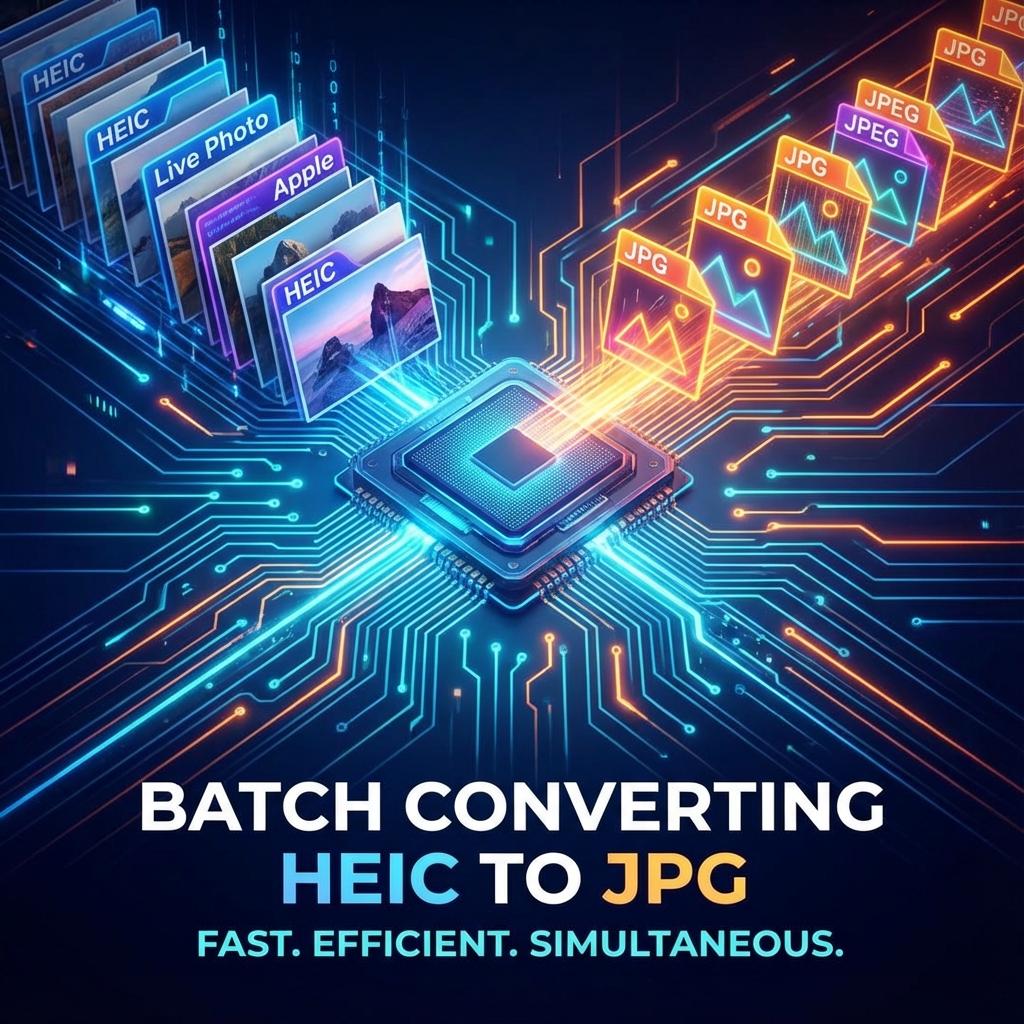
- Use desktop software to batch convert HEIC folders
- Use trusted online converters — but avoid services that store files
Why not just change the file extension?
Don’t rename the file from .heic to .jpg — this corrupts the file. Use a proper converter that decodes and re-encodes the image.
Ready? Use the converter now to convert iPhone photos to JPG.
❓ iPhone Conversion FAQ
1. Why does my iPhone use HEIC?
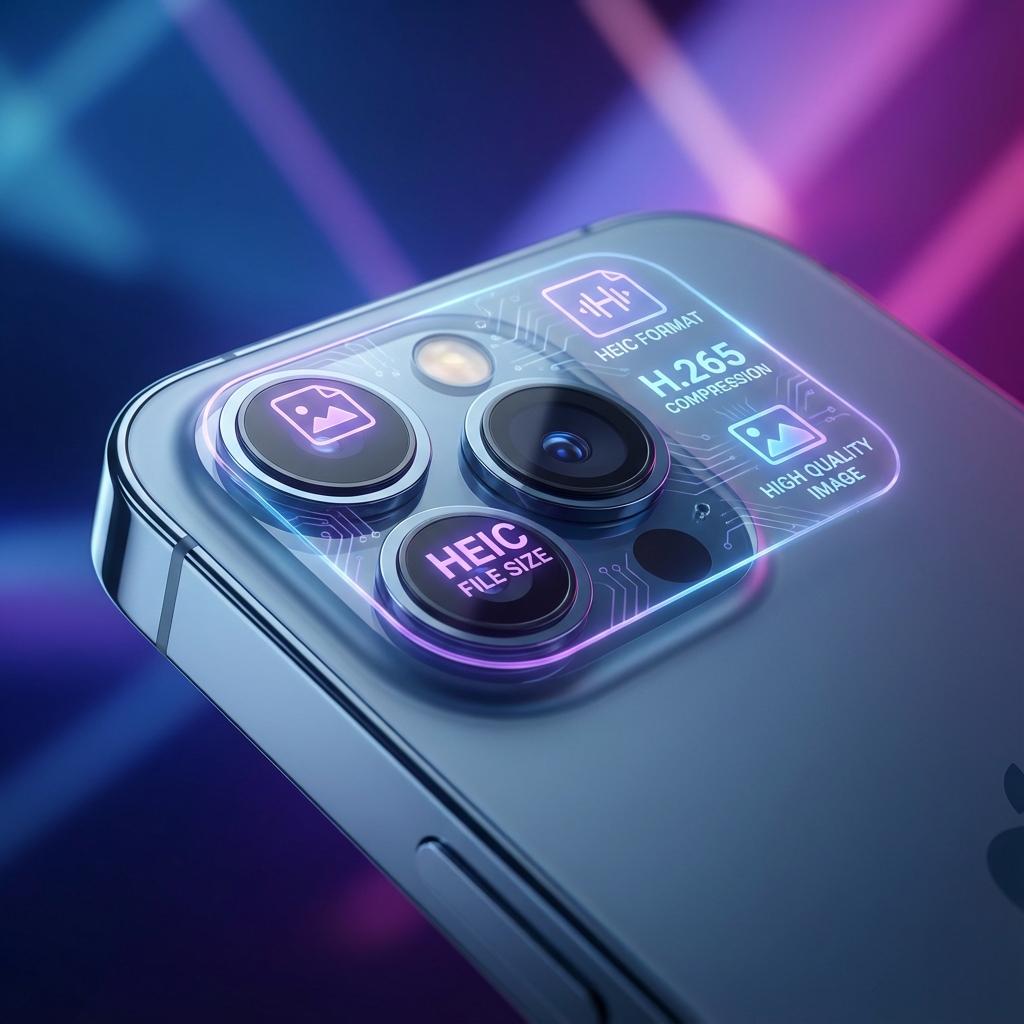
Apple uses it to save storage space without losing image quality. It's roughly 50% more efficient than JPG.
2. Will I lose quality when converting?
Our converter uses high-quality re-encoding to ensure the JPG looks as good as the original HEIC.