How to Fix Qiyas Photo Upload Error (iPhone/HEIC)
Struggling to upload your personal photo to the Qiyas portal for exams? The issue is likely the HEIC format. Here is the fast, secure fix.
🧐 Why Does Qiyas Reject Your Photo?
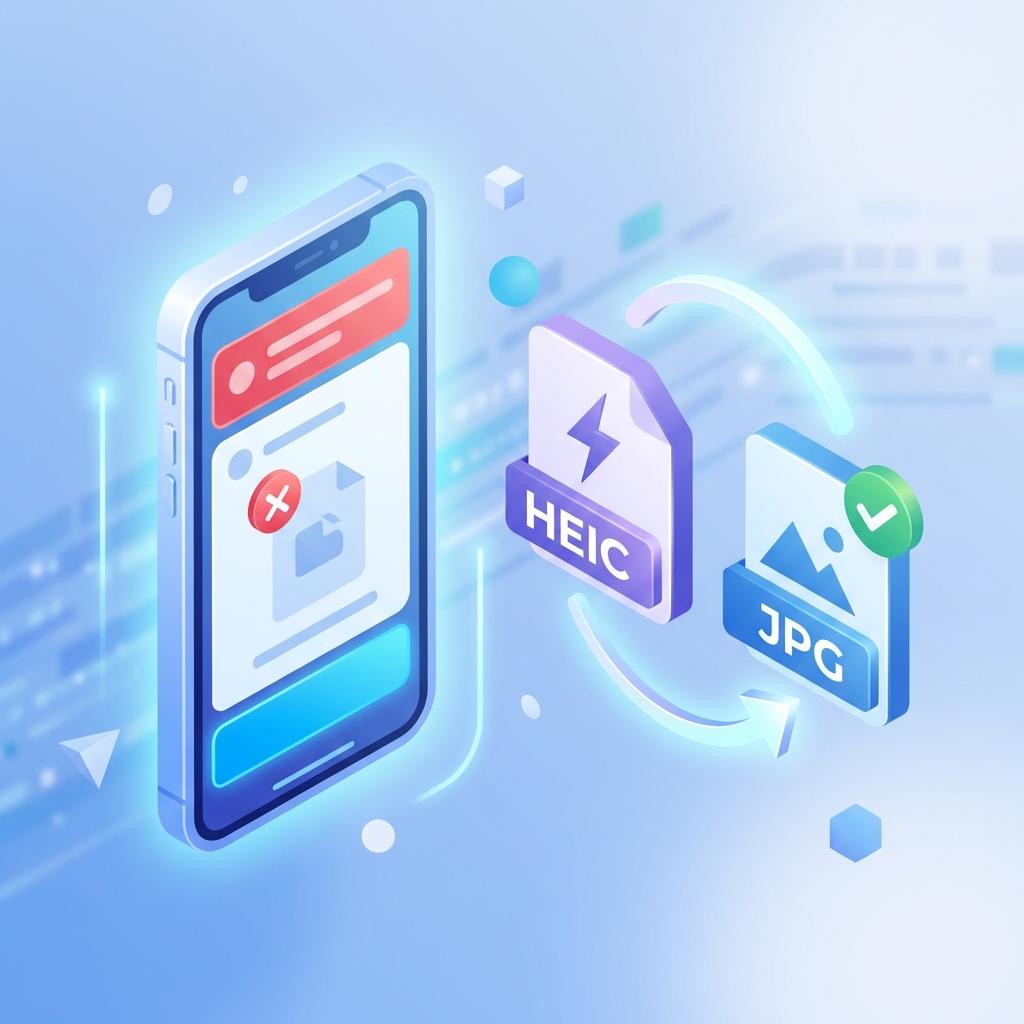
The Qiyas National Center requires photos in JPG format. iPhones save photos as HEIC, which isn't compatible with older Qiyas systems.
🚀 Instant Fix: Convert Your Photo in Seconds
No need for a studio. Convert your photo right from your phone with total privacy.
Convert Qiyas Photo Now🛡️ Your Data Security & Privacy
Exam photos are sensitive. Our converter works locally on your device:
- ✅ No photos are uploaded to any server.
- ✅ Conversion happens entirely in your browser.
- ✅ 100% private and secure.
❓ Frequent Questions from Qiyas Students
Does conversion affect file size?
No, our converter ensures high quality with a small file size that meets Qiyas requirements.
Can I use it for ID photos?
Yes, since conversion is local, it's the safest way for IDs and official documents.
💡 Preparing photos for multiple students? Try our Batch Conversion Guide.